
The BBDbuy Spreadsheet
Discover China finds by category, check the listing and available QC references, then use BBDbuy to buy, inspect and ship your order.
Popular categories on the spreadsheet
Explore 12 categories on W2C, check the product details, then order through BBDbuy.
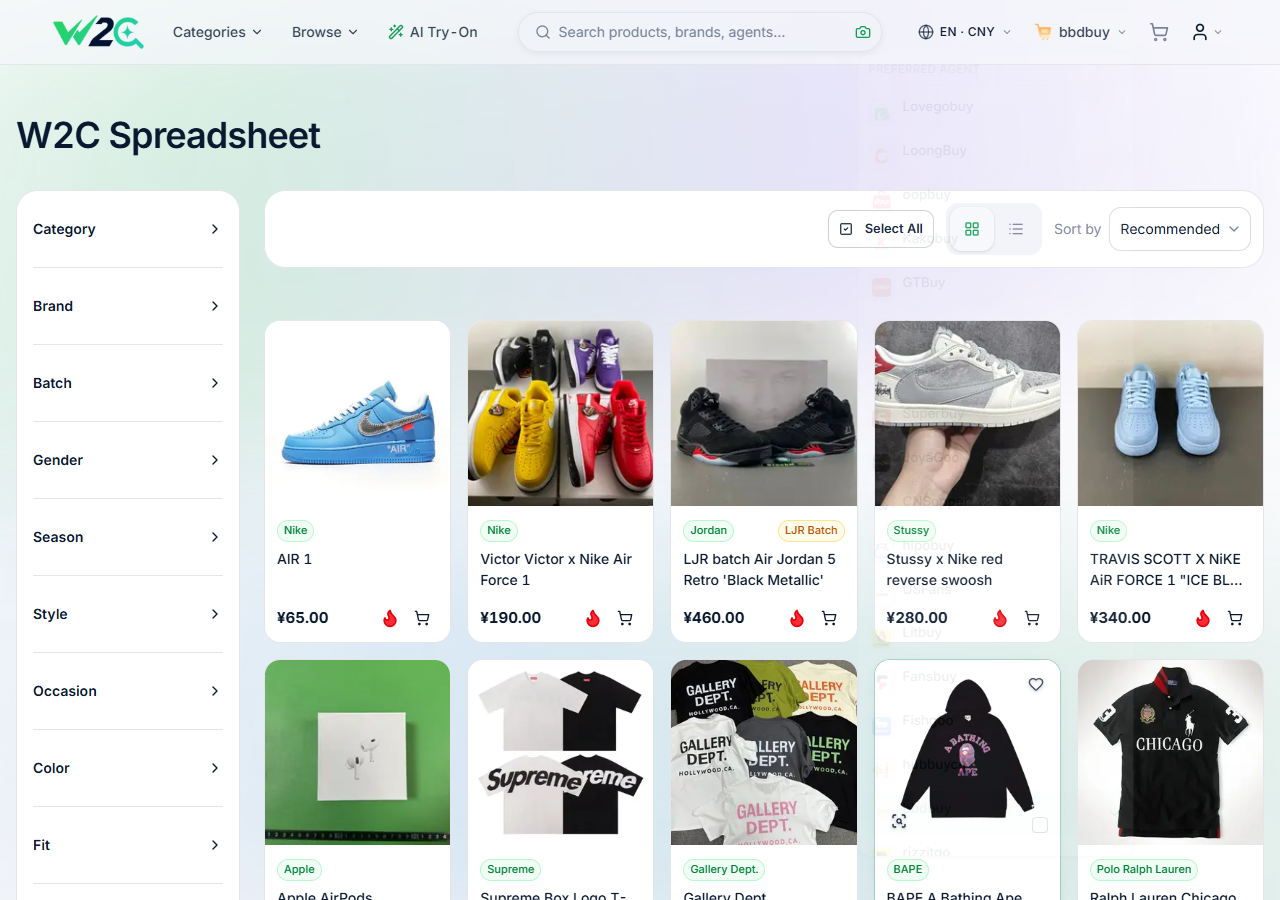
Find products. Check the details. Build your order.
The BBDbuy Spreadsheet brings product discovery and buying guidance together. Browse categories on W2C, compare the listing details and available QC references, and keep the original seller link for the item you want.
It's built for one job: help you discover what to buy with the details you need — then hand off to the official BBDbuy agent to actually buy, QC and ship it.
Three checks that make a better haul
Find the right listing
Use categories and search, then confirm the seller, size, colour and availability on the product page.
Look beyond the preview
Use any existing QC references as examples. Review your own order's inspection photos when it reaches the warehouse.
Plan the full cost
Allow for the item, domestic delivery, international shipping and any applicable payment, service and import charges.
Using the spreadsheet in 3 steps
Two tools, one smooth flow: the spreadsheet finds it, BBDbuy buys and ships it.
Browse the spreadsheet
Pick a category or search a keyword, then save the original product link and check the listing details.
Open it on W2C
Open the product on W2C. Check its options, price and available QC, and select BBDbuy as your preferred agent.
Order on BBDbuy
Continue to BBDbuy with the product link, confirm the item and pay there. QC and international shipping follow as separate stages.
The agent behind the spreadsheet
Once you've found something, BBDbuy does the rest — a China purchasing agent that buys from Taobao, Weidian and 1688, QC-checks your order, stores it free while you consolidate, and ships it worldwide from one account.
How BBDbuy works, in one short video
See the full flow — paste a link, QC, consolidate and ship — before you start.
Everything you need to buy with confidence
Beginner Guide
How to buy with BBDbuy in 9 simple steps.
Fees & Costs
Product cost, agent fees and the shipping deposit.
Shipping
Available routes, consolidation, customs & tracking.
QC & Storage
What QC photos are and how to read them.
Compare
Agent vs buying direct — and why BBDbuy.
FAQ
Quick answers on costs, shipping and QC.
A quicker way to the right BBDbuy service
Choose the tool for the task, with guidance before you leave this site.
Shop from your phone
Find the official iOS, Android and APK download routes, with a short setup checklist.
App downloads →Forward or order manually
Understand when to use forwarding and when a product needs a custom order.
Choose an order tool →Estimate and track
Prepare parcel weight and dimensions, then compare the routes available in your account.
Shipping tools →Latest from BBDbuy Spreadsheet
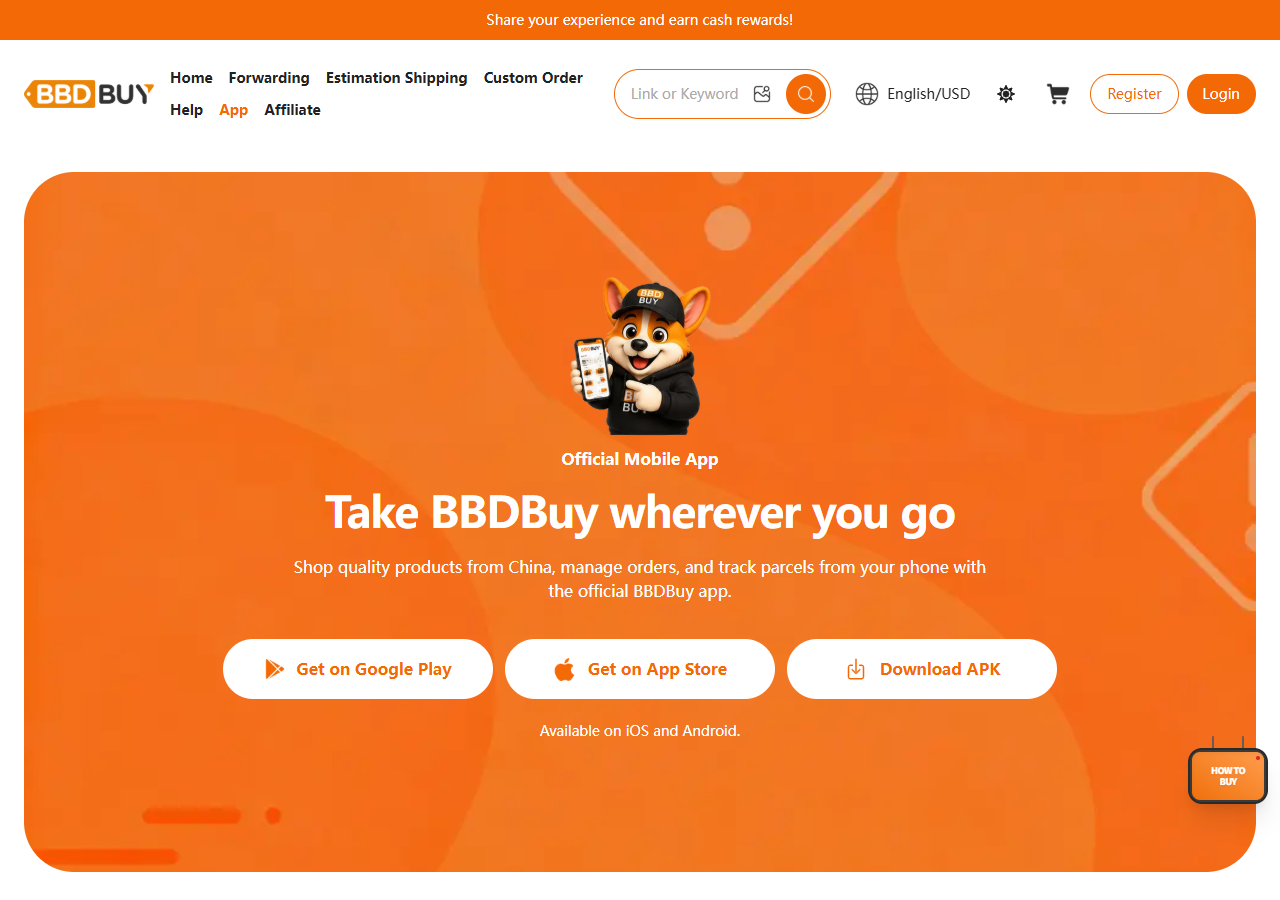
BBDbuy in November: App downloads and buying updates
Official app links, three free QC photos, storage deadlines and the tools to use before your next order.
BBDbuy Halloween giveaway: the entry period has ended
A dated recap of the October community campaign, its prize limits and the 31 October entry deadline.
Earlier articles retain their original dates. Historical shipping offers and giveaways may have ended.


Ready to shop the BBDbuy Spreadsheet?
Browse the categories, check your item details and prepare your order on the official BBDbuy platform.